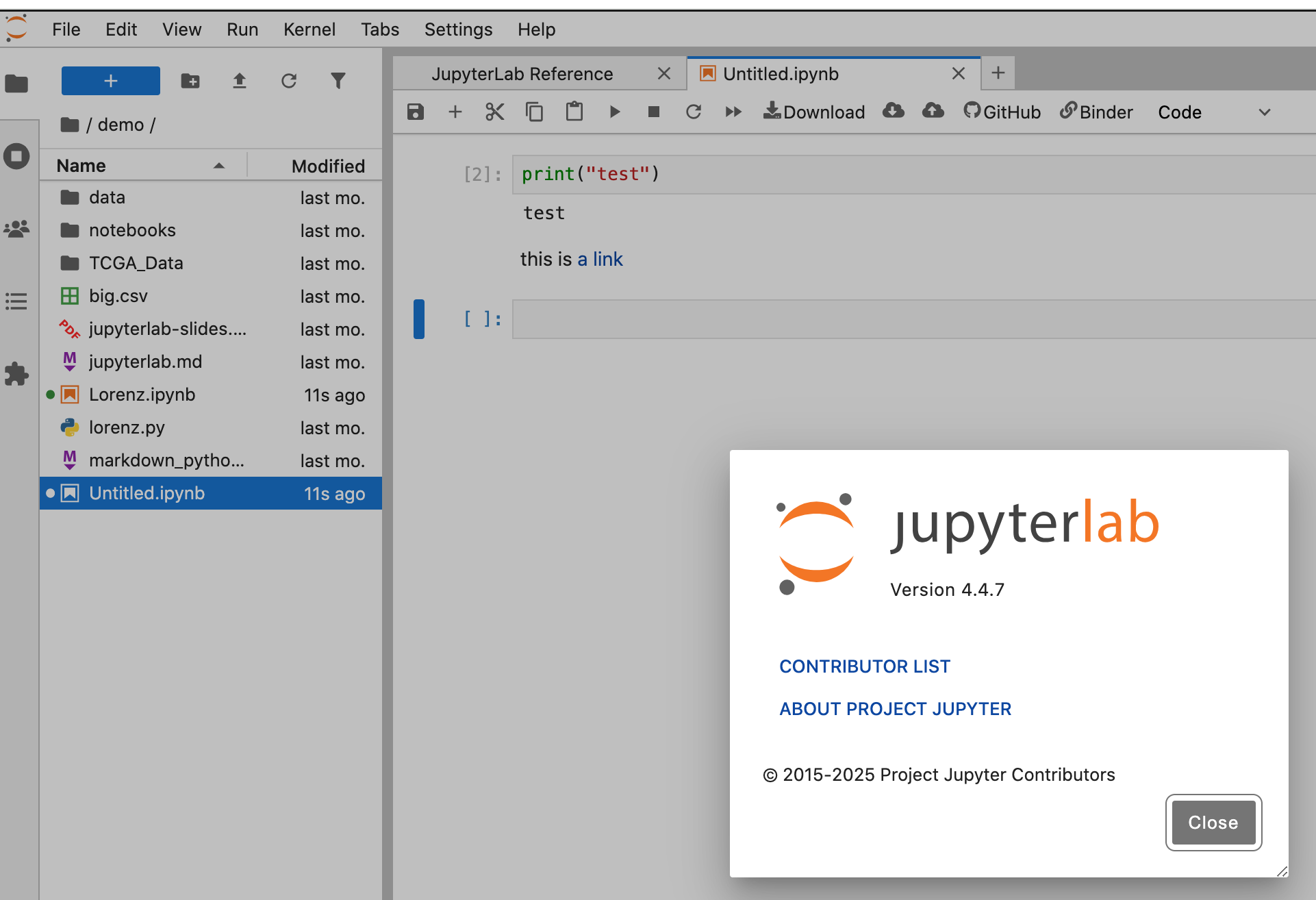
Not sure if this is the right place to post but: since jupyterlab 4.3, links are no longer highlighted correctly (“correctly” meaning “to look different from normal text”).
Example: raw markdown, rendered
(Apologies for the links, but for some reason the image upload keeps failing).
This happens in both Chromium and Firefox, in a new completely (python 3.13) environment, which I just created with uv:
uv init
uv add jupyterlab
uv run jupyter lab
(I’ve also seen it the other jupyter lab environments I have created with jupyterlab >= 4.3)
When I look in the html inspector, it looks like the css class .jp-ThemedContainer a is unsetting the text-decoration and color. When I searched on the github issues, I saw some discussion of this class (e.g., pull 16519, can’t link because of the limit on links for new users), but nothing that made it clear whether this changing in how links are rendered is intentional.
Is this intentional or a bug? If it’s intentional, should I use a custom css file (as explained in the jupyterlab docs) to get standard link highlighting?
I just came across the jupyter lab docs on diagnosing an issue, and ran through the steps there: I am able to reproduce the issue in the jupyter notebook view (due to the same .jp-ThemedContainer a class) and in a private window.
It’s not happening in v4.4.7 that you can access temporary session of remotely.
(It may be hard to see that the link is rendered blue in that screenshot showing the version information.)
To test, go here and click on the ‘launch binder’ badge. Then try in the session that comes up. It currently is v4.4.7.
Any chance you have Myst involved? See JupyterLab issue post ‘Link color not visible’ here if so.
Huh. The environments where I initially ran into this issue all had myst in them, but I specifically created a test environment to try and avoid that issue. uv pip freeze | grep myst turns up nothing, but in the notebook I snapshotted above, putting a = “HI” in a python cell and then {eval}`a` in a markdown cell does cause it to render as HI. Since I think this is only supported by jupyterlab_myst, then there must be something weird with my environment where myst got into it somehow. Whoops.
Looking into the linked jupyterlab_myst issue from the one you linked, it looks like there currently is no solution for this.
In my actual use case, I do need myst in the environment, so for now my work-around is to just use jupyterlab<4.3.